Admin
Admin is a role-gated workspace area. It is not part of the normal editor workflow.
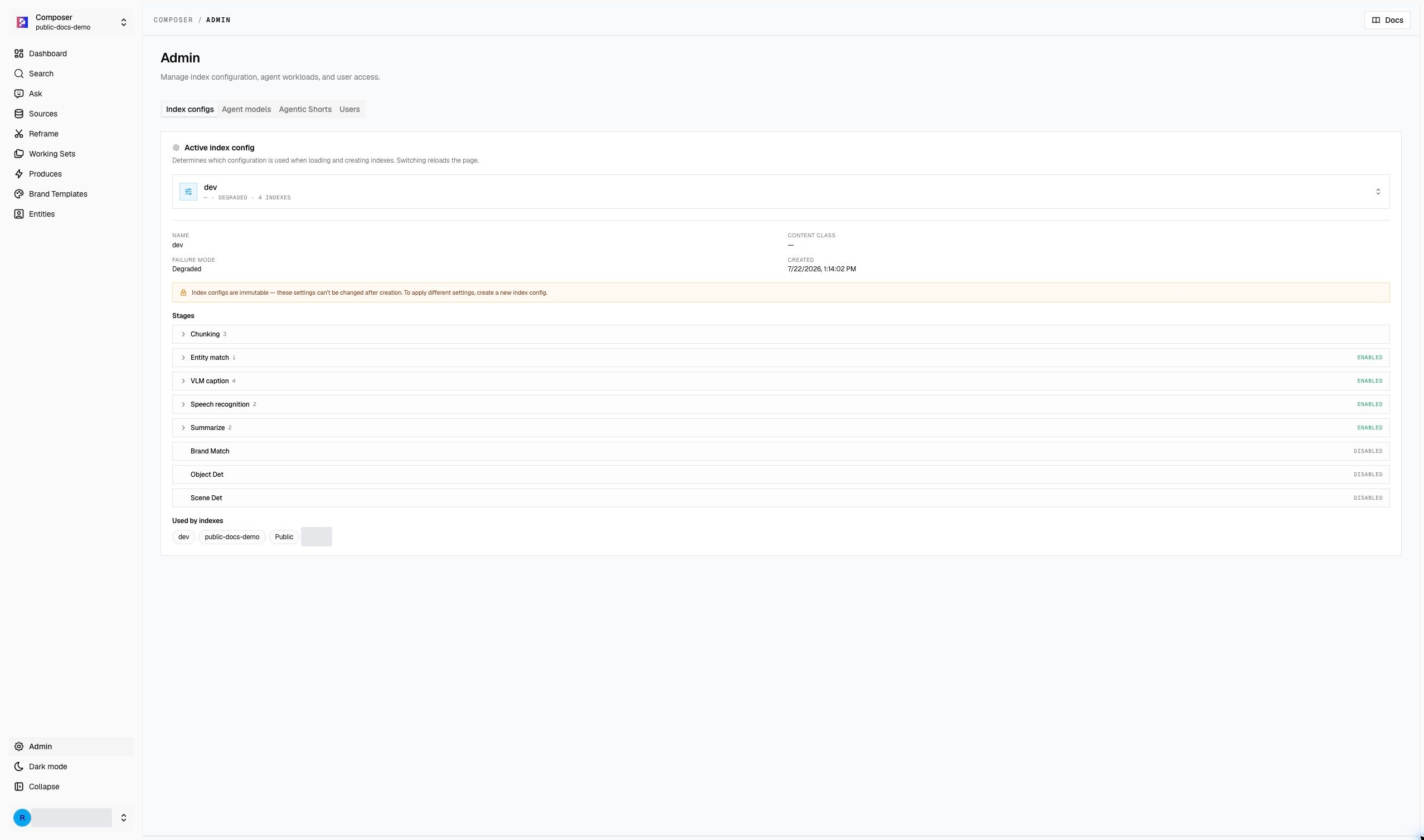
Available areas
Depending on your permissions, Admin may include:
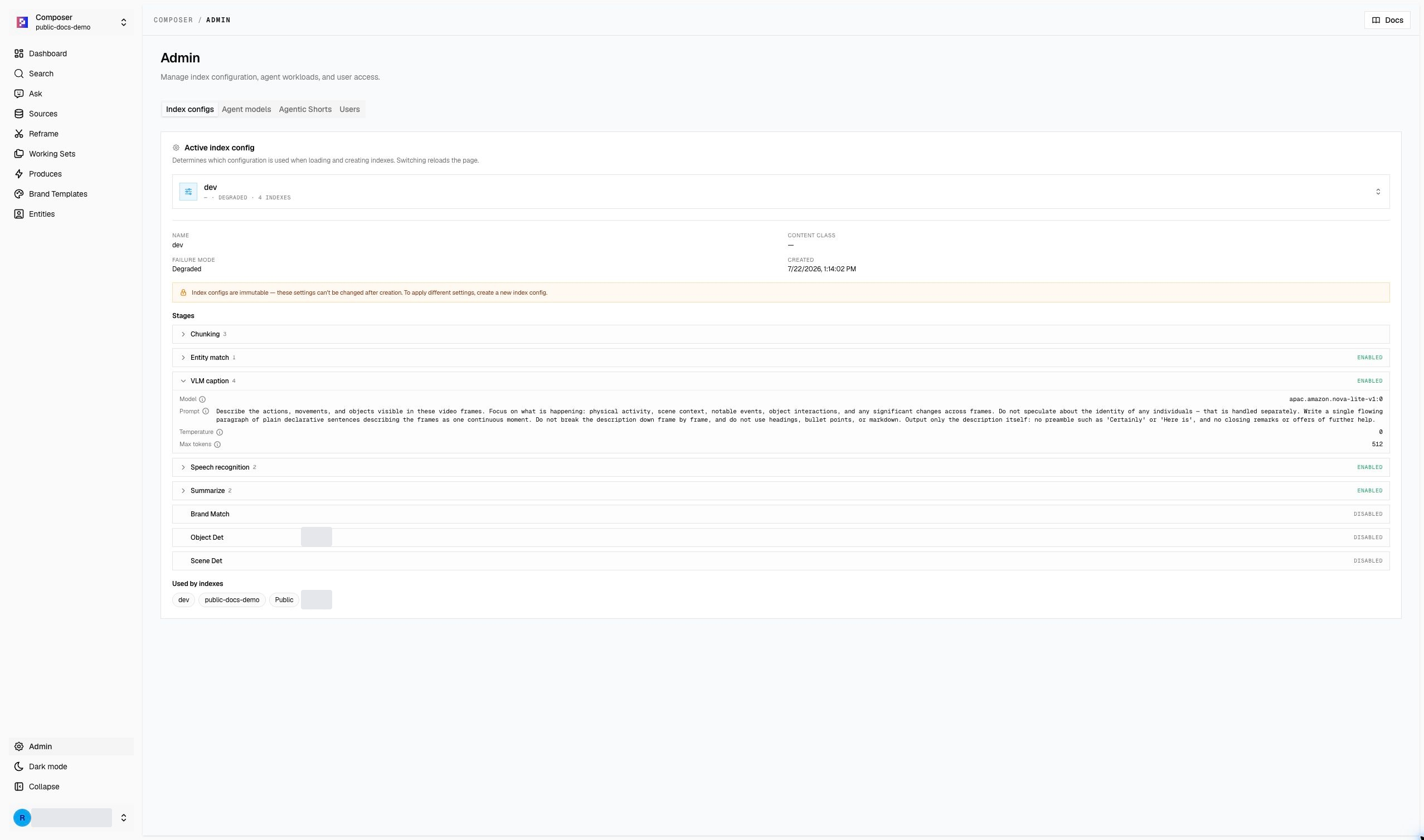
- index configurations and processing stages;
- agent model settings;
- Agentic Shorts perception modes and version history;
- users and roles.
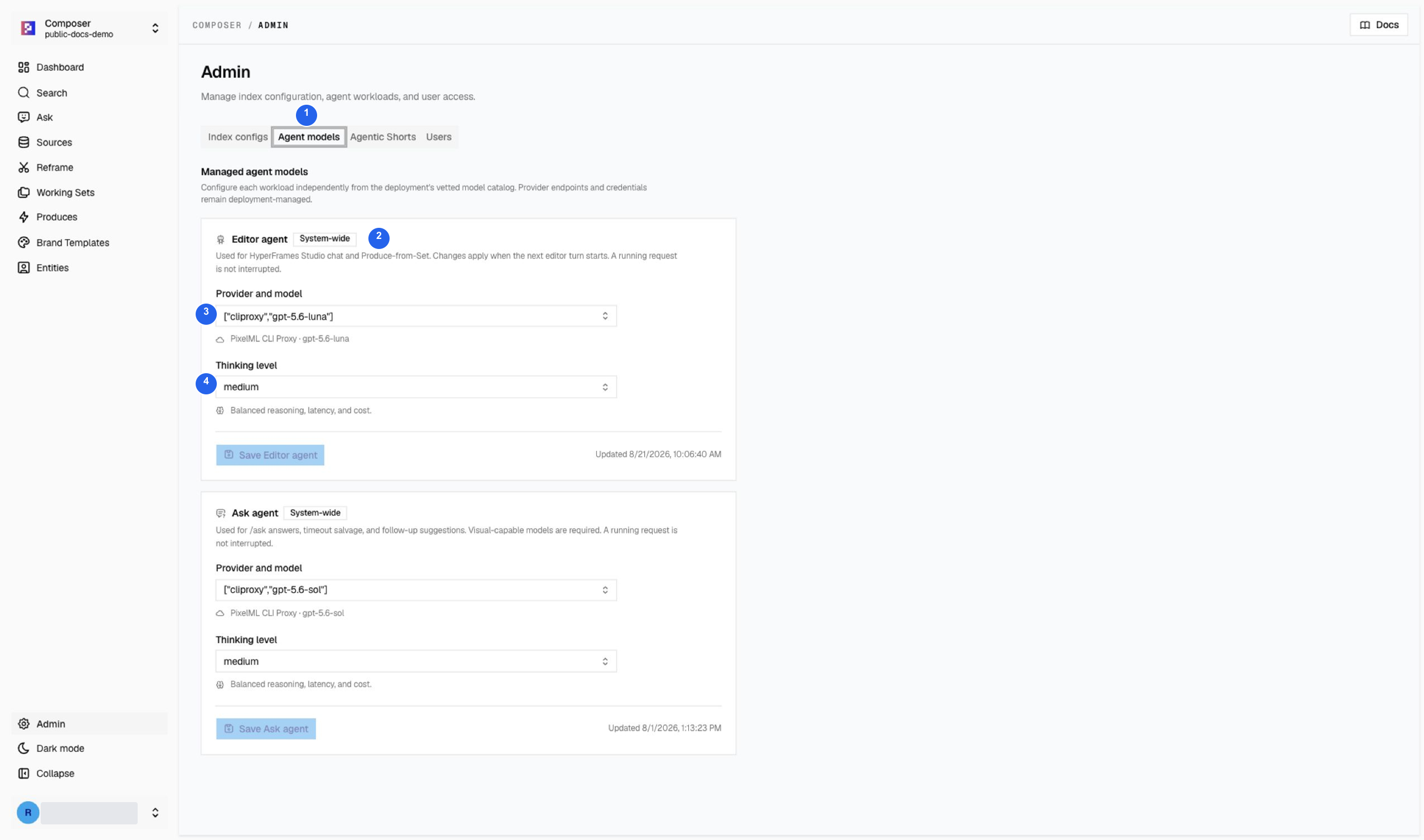
- Agent models: select this tab to inspect workload configuration.
- System-wide: read the scope before changing anything; these settings are not limited to the selected video or demo index.
- Provider and model: the deployed catalog controls the available choices.
- Thinking level: balances reasoning, latency, and cost for that workload.
This refresh only inspected the controls; it did not change models, users, permissions, or shared configuration.
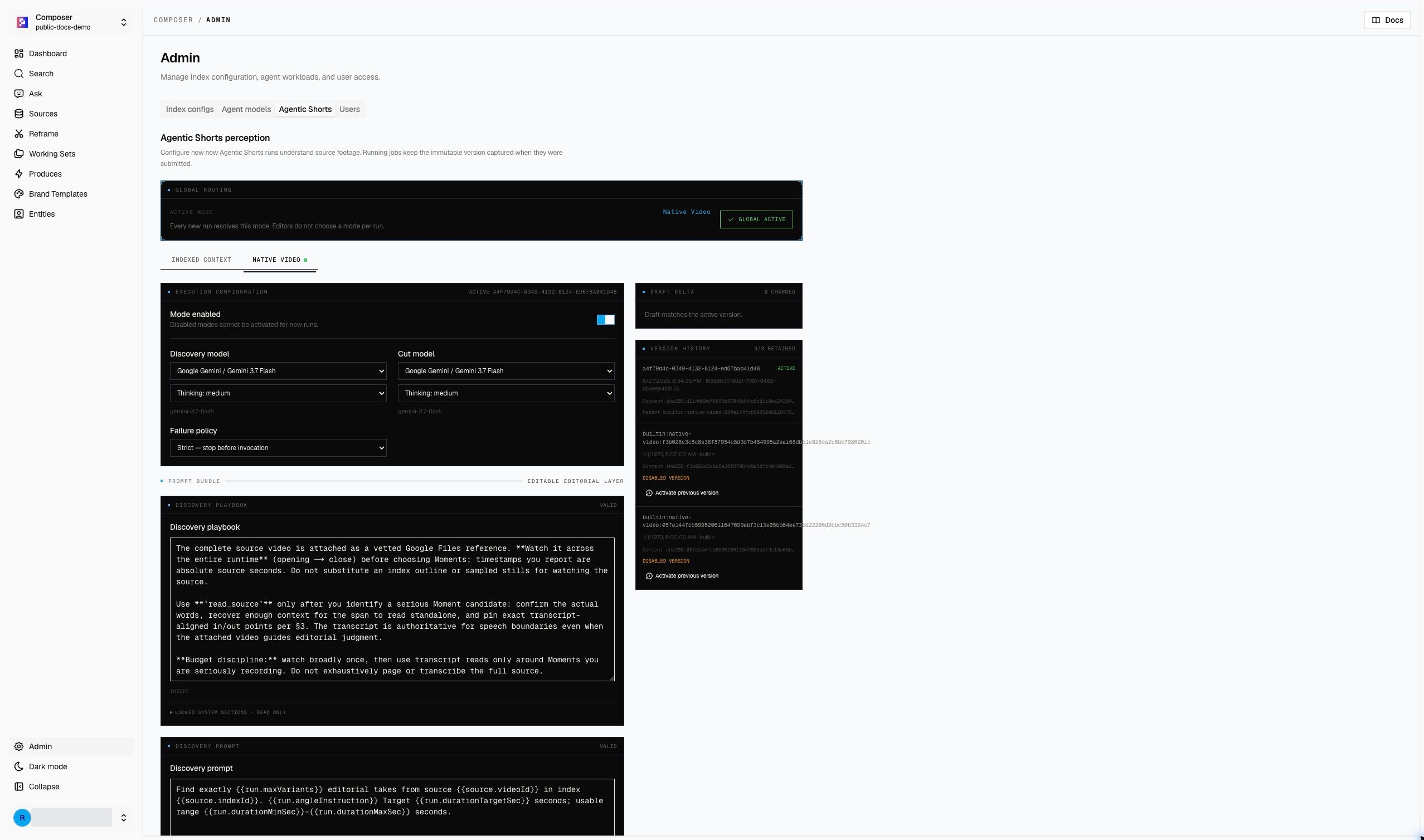
Agentic Shorts settings affect future Agentic Reframe runs. Published versions
are shared workspace configuration, so editors should not change prompts,
models, failure policy, or active mode as part of a normal production task.
Configuration controls can affect every editor using the workspace. Make changes only when you understand the impact and have approval from the workspace owner.
If Admin is not visible
- Confirm the active workspace and account role.
- Continue with the editor pages available to your account.
- Ask an authorized workspace administrator to perform configuration or role changes.
- Include the account role, active index, route, and app version in an access report.